Hospitable Academy
Independent guide — not affiliated with Hospitable.
Hospitable Direct SEO: What You Can and Can't Control
An honest scope check, plus what we found in the HTML of live hospitable.rentals sites.
Last verified on 13 Oct 2026 against official docs.
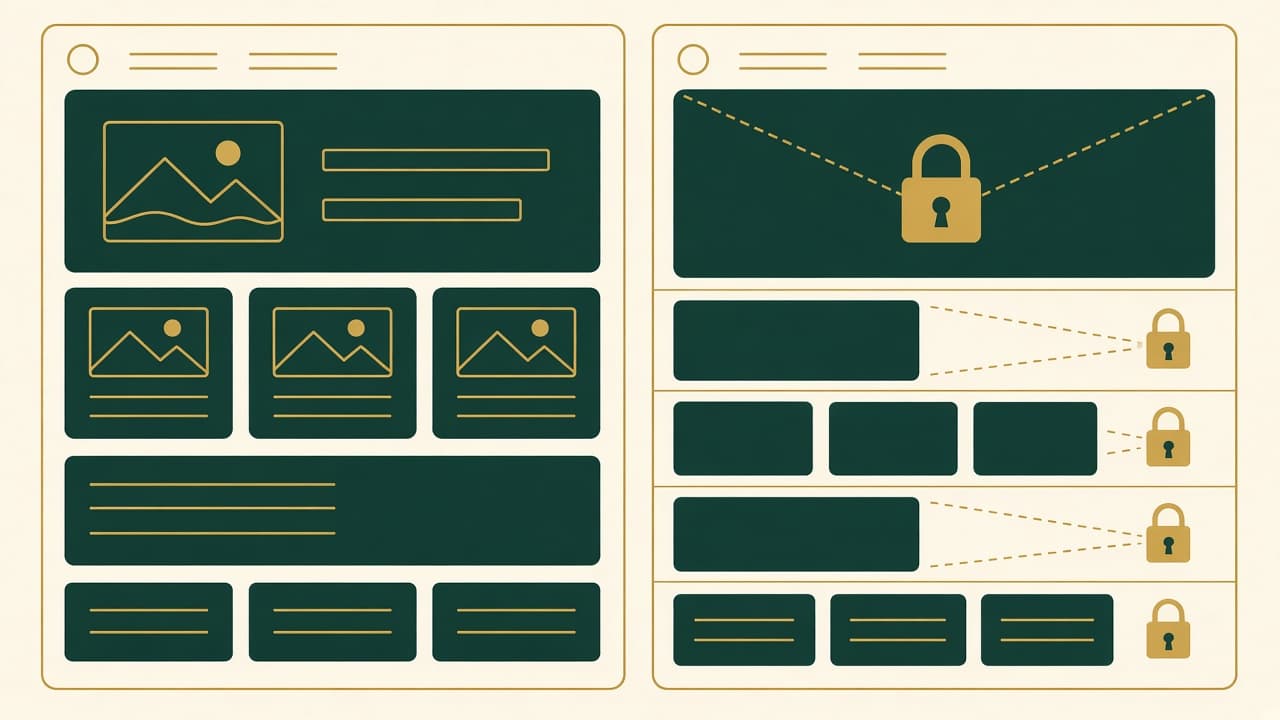
For SEO on a Hospitable Direct site, you control your site title and subtitle, the hero text, all property content (titles, descriptions, amenities, photos), a custom domain, and your Google Vacation Rentals listing. Hospitable's help center doesn't document any per-page SEO title or meta description fields. It also says property page structure is fixed, and it doesn't document a way to verify a hosted site in Google Search Console. In practice, your biggest SEO levers are a custom domain, a descriptive site title, strong property titles and descriptions, and getting live on GVR. If you need full control, embed Hospitable's widget on a site you host yourself.
Independent publication. Direct Booking Academy is not affiliated with, endorsed by, or an official resource of Hospitable. Based on Hospitable's help center as of October 2026. If a feature isn't documented, that doesn't prove it doesn't exist, so check your account.
This guide is part of our Hospitable Academy, an independent collection of guides (not an official Hospitable resource).
What you can control
| Lever | How | Source |
|---|---|---|
| Site title and subtitle, logo, hero text | Direct Bookings → Websites → your site → Overview | Customize your site |
| Property title, description, amenities, house rules, photos | Properties → property → Details | Property pages |
| Which properties are shown, and their order | Direct Bookings → Websites → Properties | Property pages |
| Custom domain (root or subdomain; subfolders not supported) | Direct Bookings → Websites → your site → Domain → Add your own domain (after publishing) | Custom domain |
| Social links in the footer | Site editor → Social | Customize your site |
| Google Vacation Rentals listing | Direct Bookings → Google Vacation Rentals | GVR |
Hospitable sets up SSL automatically when you connect a custom domain. Connection usually takes 30 minutes to 2 hours, and up to 24 to 48 hours in some cases (Custom domain). Your name.hospitable.rentals subdomain can't be changed once it's created, so choose a descriptive one (Publishing).
What you can't control (or that isn't documented)
- Per-page SEO titles and meta descriptions. The help center doesn't document them. Hospitable's public feedback board has open user requests for SEO controls (feedback board).
- Page structure, booking flow and review display. Hospitable says these are fixed (Property pages).
- Colors and styling, which come from the template you choose (Customize your site).
- Google Search Console verification. No Hospitable article documents a method for hosted sites. Google's DNS-record method works at the domain level for a domain you own (Google), but Hospitable doesn't document whether that works with its hosting. Ask Hospitable support before relying on it.
What live Direct sites show in their HTML
On October 13, 2026, we fetched the homepages of four public hospitable.rentals sites (the same ones covered in our examples article). We report only what was in the HTML:
- Every site had a canonical tag pointing at its own homepage.
- The browser title followed the site or property title. On the single-property sites, the
<title>matched the property title (for example "Walk to Beach, Shops, Dining | Family & Beach gear | Waikoloa Dreamy Escape"). On the two multi-property sites it read "Home | [site title]". One of them still used the default subdomain, "Home | 1885.hospitable.rentals". - Meta descriptions varied. The two single-property sites had a meta description that matched the start of the property description. The two multi-property homepages had none.
- Structured data: the two single-property homepages included a schema.org
VacationRentalJSON-LD block. The two multi-property homepages didn't. - Sitemap and robots: one site we checked served
/sitemap.xml, and itsrobots.txtpointed to that sitemap.
These are observations from four sites, not documented features. Hospitable could change them, and they may not apply to every site. Our editorial reading: your property title and the opening of your description probably act as your title tag and meta description, so write them with search in mind. Lead with the place and the selling point, and keep the most important words early.
Google Vacation Rentals: the documented lever
Hospitable is an official GVR partner, and listings can appear in Google Search, Maps and the Vacation Rentals tab (feature page). Requirements include a full address, a Direct payout method, a summary, at least one amenity, at least 8 high-resolution landscape photos, and a listing name that matches the name visible on the property page. You also need a Professional or Mogul subscription with Direct Basic or Premium. (Hospitable's pricing page labels "Google Vacation Rentals Listing" as Premium-only, which conflicts with the help docs. If you're on Direct Basic, confirm with Hospitable support.) Review usually takes about 2 weeks and up to 4, while new properties can take up to 30 days. Since September 8, 2026, Google doesn't show the Vacation Rentals unit in Search for people searching from the European Economic Area, though Maps and google.com/hotels still show listings (GVR).
When to use your own site with the widget
Hospitable supports embedding booking widgets on a site you run yourself (Getting started). That gives you full control over titles, meta descriptions, content pages and Search Console. For GVR, each self-hosted property page needs the Hospitable widget, or a hospitable-property-id meta tag if you built a custom API widget. Hospitable says Wix may not meet these requirements (GVR). Widgets embedded before August 2026 must be re-embedded to stay on GVR (How to add a booking widget).
Checklist
- Custom domain connected (after publishing)
- Site title describes your business, not the default subdomain
- Property titles lead with place and selling point
- First lines of each description work as a search snippet
- GVR status is Live, and the listing name matches the visible page title
- Consider your own site + widget if you need full SEO control
Related: Hospitable Direct setup, Hospitable Direct not getting bookings, Lodgify SEO checklist.
By Daniel Brooks, who covers Hospitable for Direct Booking Academy. Written with AI assistance and reviewed by a human editor. Last verified: October 13, 2026.
Sources
- Hospitable Help: How to Customize Your Direct Booking Site
- Hospitable Help: Managing Property Pages on Your Site
- Hospitable Help: Publishing Your Direct Booking Site
- Hospitable Help: How to Connect a Custom Domain to Your Site
- Hospitable Help: Getting Started with Your Direct Booking Site
- Hospitable Help: Connecting to Google Vacation Rentals
- Hospitable Help: How to Add a Booking Widget to Your Website
- Hospitable: Pricing
- Hospitable: Google Vacation Rentals feature page
- Hospitable feedback board: Add SEO controls for Direct pages
- Google Search Console Help: Verify your site ownership